



How to Build a WordPress Website Without Coding: Beginner’s Guide
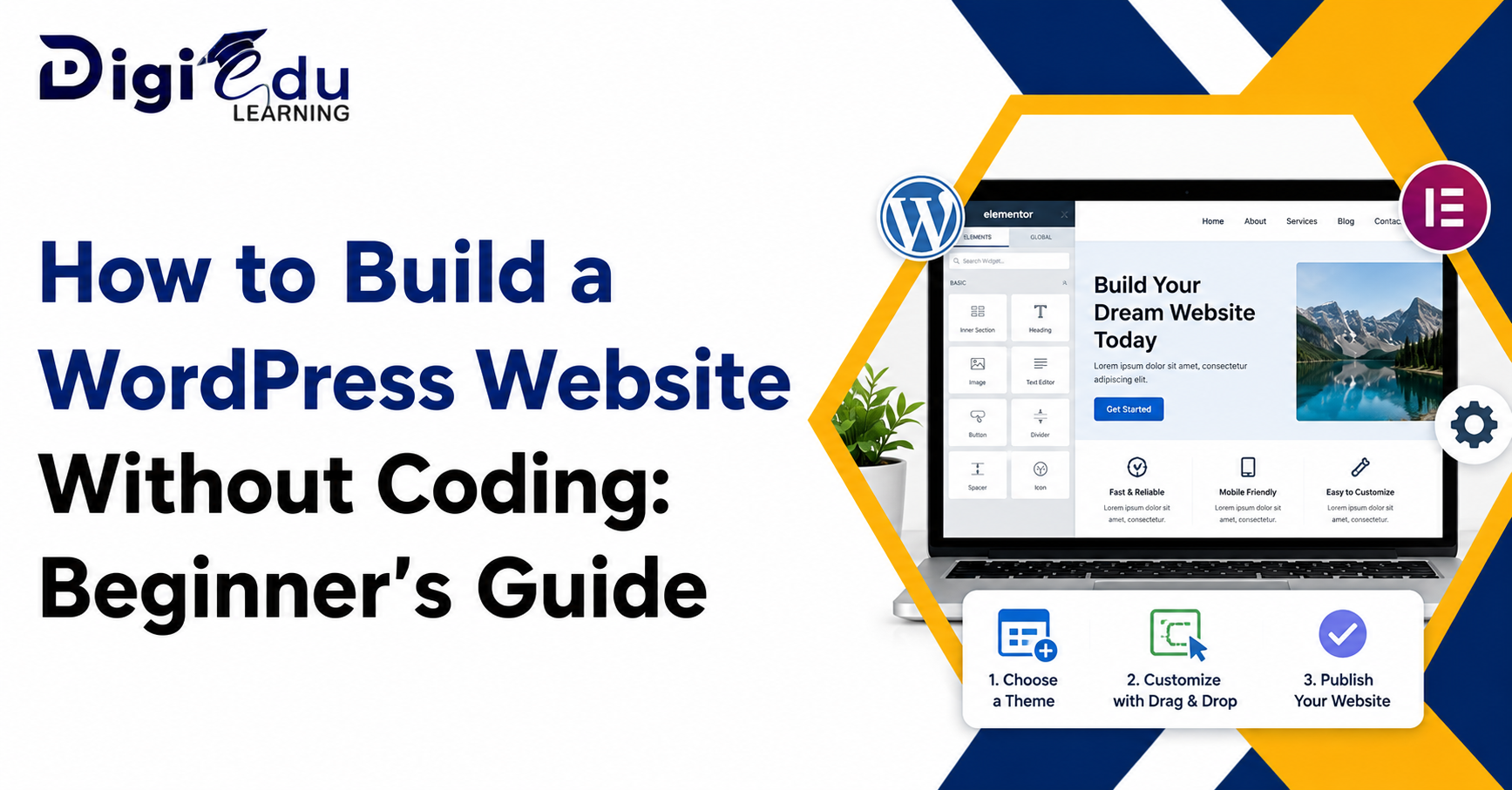
A professional website doesn’t need to be built by a programmer or tech-savvy person. With the help of website builders and intuitive platforms, anyone can build a functional WordPress website without coding. WordPress has flexible tools that make website creation easier, regardless of whether you are a student, entrepreneur, freelancer, or small business owner.
Because of its ease of use, customization options, and scalability, today, millions of websites are powered by WordPress. For those who are beginners in web development, they can build a website using WordPress without coding; hence, they can gain a presence on the web and promote their services or even create an online business with little effort.
Why WordPress is Perfect for Beginners
WordPress is one of the world’s hottest content management systems. It is very user-friendly, making it easy for users who have little or no technical expertise.
User-Friendly Interface
The best thing about building a WordPress website without coding is the intuitive WordPress dashboard. Pages, posts, themes, and plugins are easily manageable from a simple interface.
The advantage of using the WordPress dashboard is that you can:
- Easy navigation and setup
- Simple content management
- Quick customization options
- No programming knowledge is necessary to use the AI tool.
Flexible and Highly Customizable
There are thousands of themes and plugins available for WordPress that users can choose to make websites for various purposes from blogs to portfolios, e-commerce stores to business websites, and more.
Some of the most common website categories are:
- Personal blogs
- Business websites
- Online stores
- Educational platforms
- Portfolio websites
Selecting the Perfect Domain Name and Hosting Service
Users must first have a domain name and web hosting to build a WordPress website without coding. These are necessary elements to have when launching a website online.
Selecting a Domain Name
Your domain name is your brand identity and should be simple, memorable, and relevant to your niche.
A few tips on picking a domain:
- Keep it short and easy to remember.
- Avoid complicated spellings.
- Identify relevant words, if applicable.
- Opt for a reputable domain name ending
Finding Reliable Hosting
Hosting providers keep website files and enable the site to be accessed via the Internet. A dependable web hosting company boosts the speed, security, and performance of websites.
What to consider when choosing hosting:
- Good loading speed
- Strong security features
- Customer support availability
- One-click WordPress installation
Installing WordPress And Choosing A Theme
It is easy to set up a WordPress website without coding, and it typically only takes a few minutes.
One-Click WordPress Installation
Most of the web hosting companies provide 1-click WordPress installation, which helps beginners to install WordPress on their websites without any technical problems.
In addition to the one-click installation, it offers the following benefits:
- Fast setup process
- Beginner-friendly configuration
- Automatic updates
- Reduced technical errors
Select The Proper Theme
Your website’s design and layout are defined by themes. There are thousands of free and paid themes available on WordPress for various industries.
When choosing a theme to consider:
- Mobile responsiveness
- Fast loading speed
- Easy customization
- SEO-friendly structure
Customizing Your Website Without Coding
The best advantage of building a WordPress website without coding is the capability to customize each and every aspect of the site graphically.
Using Drag-and-Drop Builders
In addition, users can build professional pages with the Elementor and WPBakery page builder tools, which use drag-and-drop features.
The advantages of page builders:
- No coding knowledge required
- The editing and previews are real-time.
- Easy layout customization
- Faster page creation
Adding Essential Pages
All websites have to have vital pages that will enhance credibility and user experience.
There are some key pages that should be created:
- Home page
- About Us page
- Services or Products page
- Contact page
- Privacy Policy page
There Are Some Plugins That Every Beginner Should Use
Plugins: These are extra features (that can be installed without coding) that can be used to enhance the performance, security, and SEO of a WordPress site.
SEO and Performance Plugins
Search engine optimization plugins can help websites be higher on search engines, whereas performance plugins can boost loading speed.
Consider using the following useful plugin categories:
- SEO optimization plugins
- Speed and caching plugins
- Image optimization tools
- Security plugins
Contact and Backup Plugins
Communication and data protection are vital aspects of any website. Plugins make these functions easier without needing to know how to do them.
Important plugin functions:
- Contact form creation
- Website backups
- Spam protection
- Security monitoring
Do You Want Your Website To Be Optimized For Better Results?
Optimization is essential to enhance user experience and online visibility after creating a WordPress website without any coding.
Improve Website Speed
A quick-loading website retains website visitors and boosts search engine ranking.
Some suggestions for increasing the speed:
- Compress images
- Use lightweight themes.
- Enable caching
- Choose quality hosting.
Make The Website Mobile-friendly
The majority of users surf websites on mobile devices, so it is important to be responsive.
Here are some tips for optimizing your website for mobile:
- Use responsive themes.
- Resize images for mobile.
- Test layouts across different devices.
- Simplify navigation menus
The Following Are Some Common Mistakes That Beginners Can Make
Beginners may make common errors while creating a WordPress website without coding, which can have an impact on web performance and user experience.
Filling The Website With Plugins
Excessive plugins may negatively affect the site performance and cause compatibility problems. Install only ‘essential’ tools.
Common beginner’s errors are:
- Don’t use too many plugins.
- Ignoring website security
- Choosing poor-quality themes
- Not updating WordPress regularly
Not Taking SEO And Content Quality Seriously
It’s not just about creating a good-looking website. Content and good SEO are crucial to driving traffic.
Best practices include:
- Writing original content
- Using keywords naturally
- Page titles and descriptions are optimized.
- Updating content regularly
Conclusion
With the advent of modern tools, themes, and plugins, creating a WordPress website without coding is now easier than ever. Now you can build professional, responsive, and fully functional websites without learning coding languages and technical development skills, even if you are a beginner.With a basic understanding of WordPress and the right hosting provider, layout options, and performance optimization, anyone can successfully launch a web page for personal or professional use. Digital learning platforms such as Digi Edu Learning offer a hands-on approach to learning and provide confidence to young people who want to embark on website creation in the digital world today.
One response to “How to Build a WordPress Website Without Coding: Beginner’s Guide”
Leave a Reply
Popular News



Our Partners





I’ve been playing here for a month now and the wins have been consistent. It is a great community and a fair platform. Give baj777login a try.